01 what it does
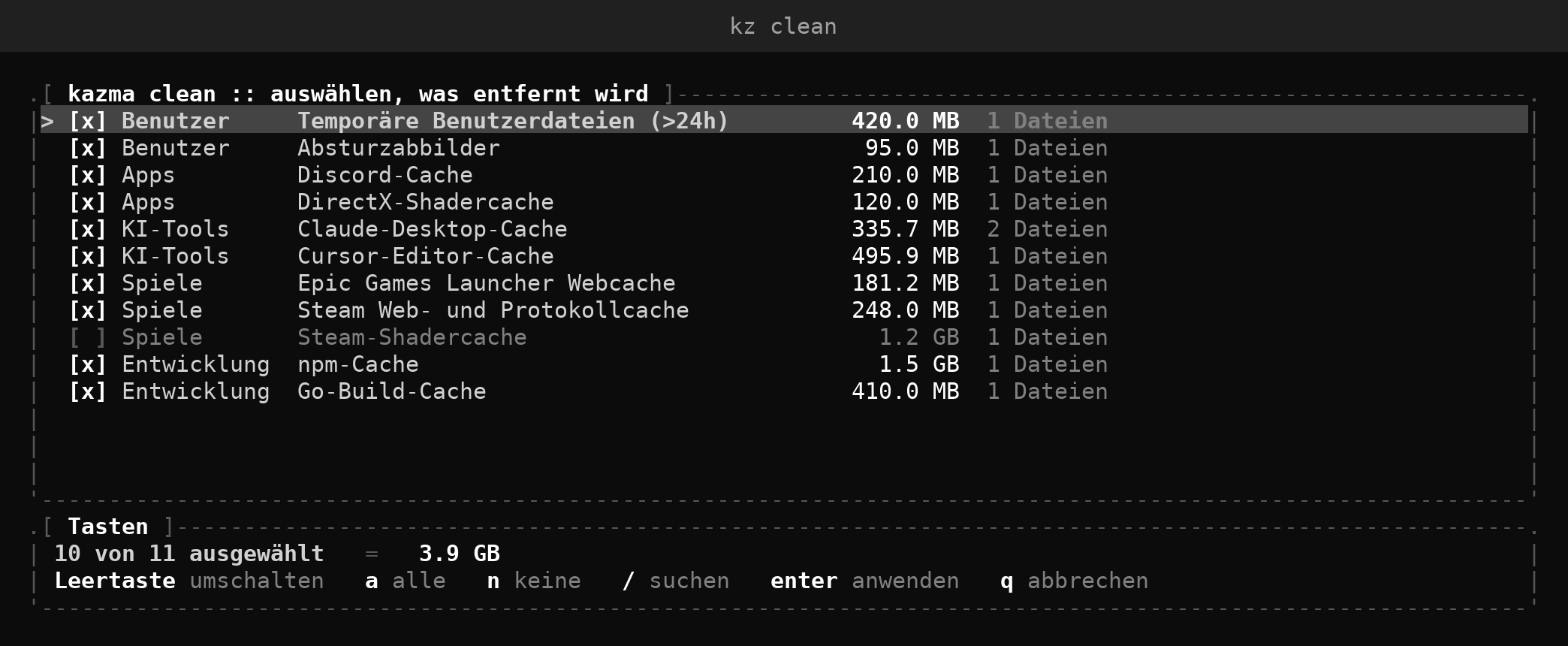
clean · reclaim space
100+ kinds of caches, temp files and logs: browsers, AI tools, game launchers, GPU driver leftovers, dev tools. Windows.old and upgrade leftovers with deepclean.
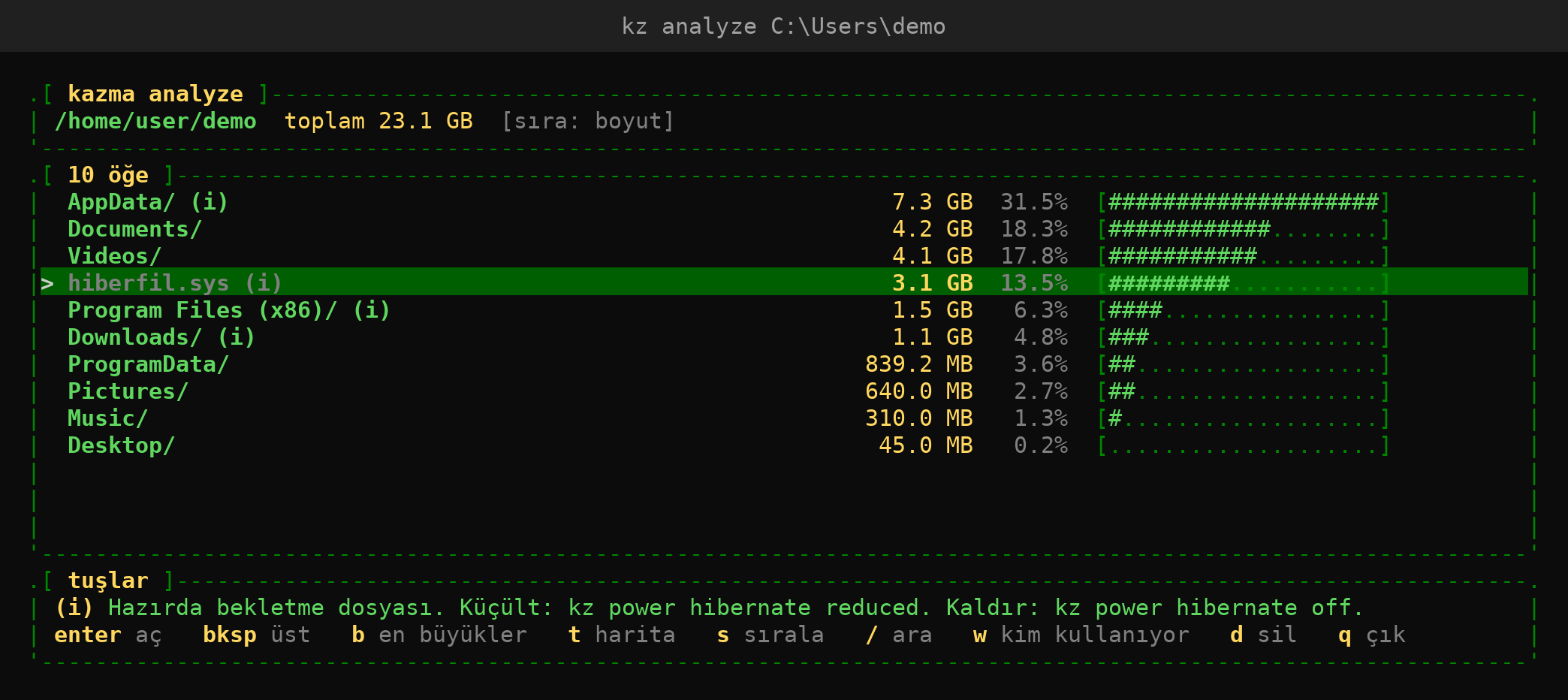
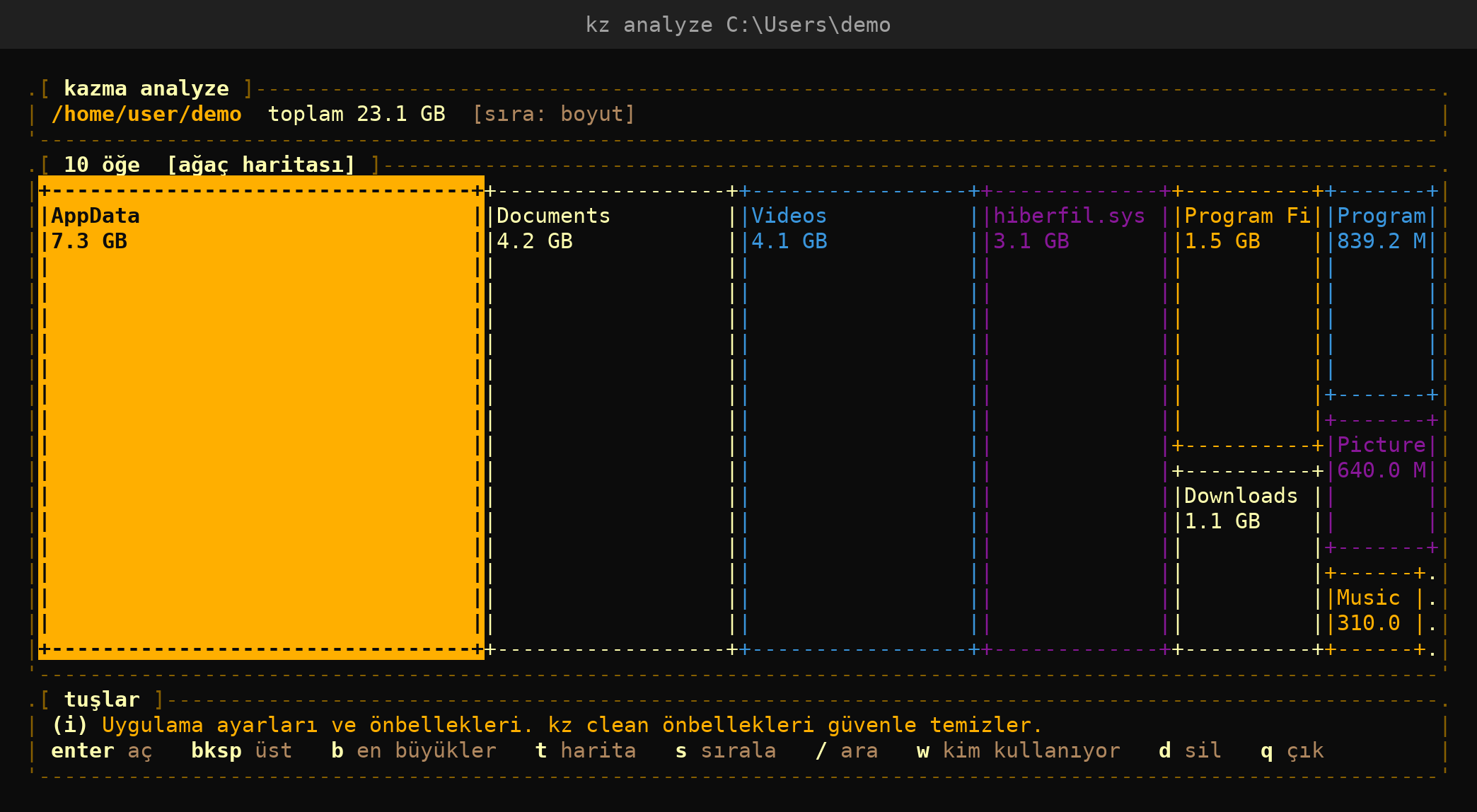
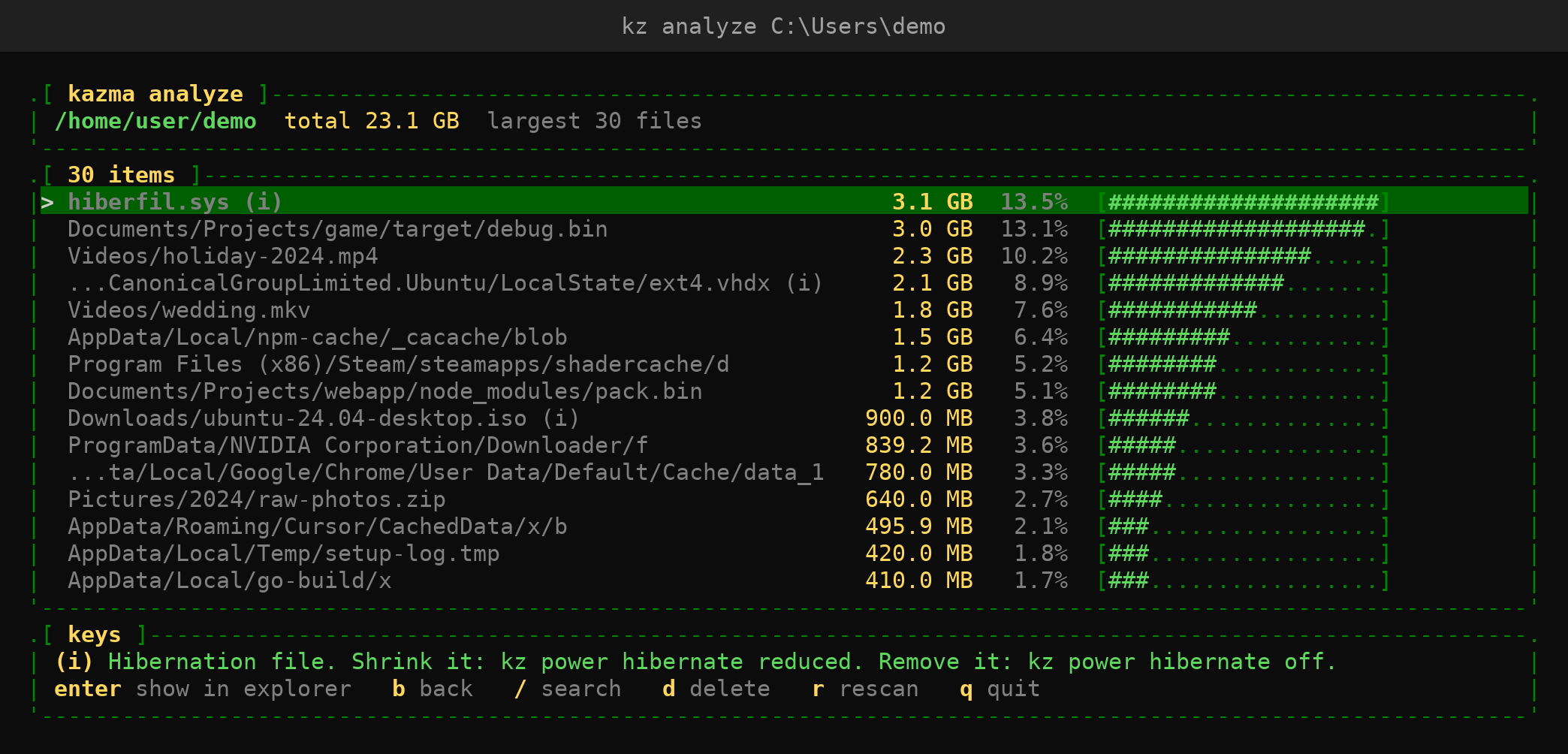
analyze · see the disk
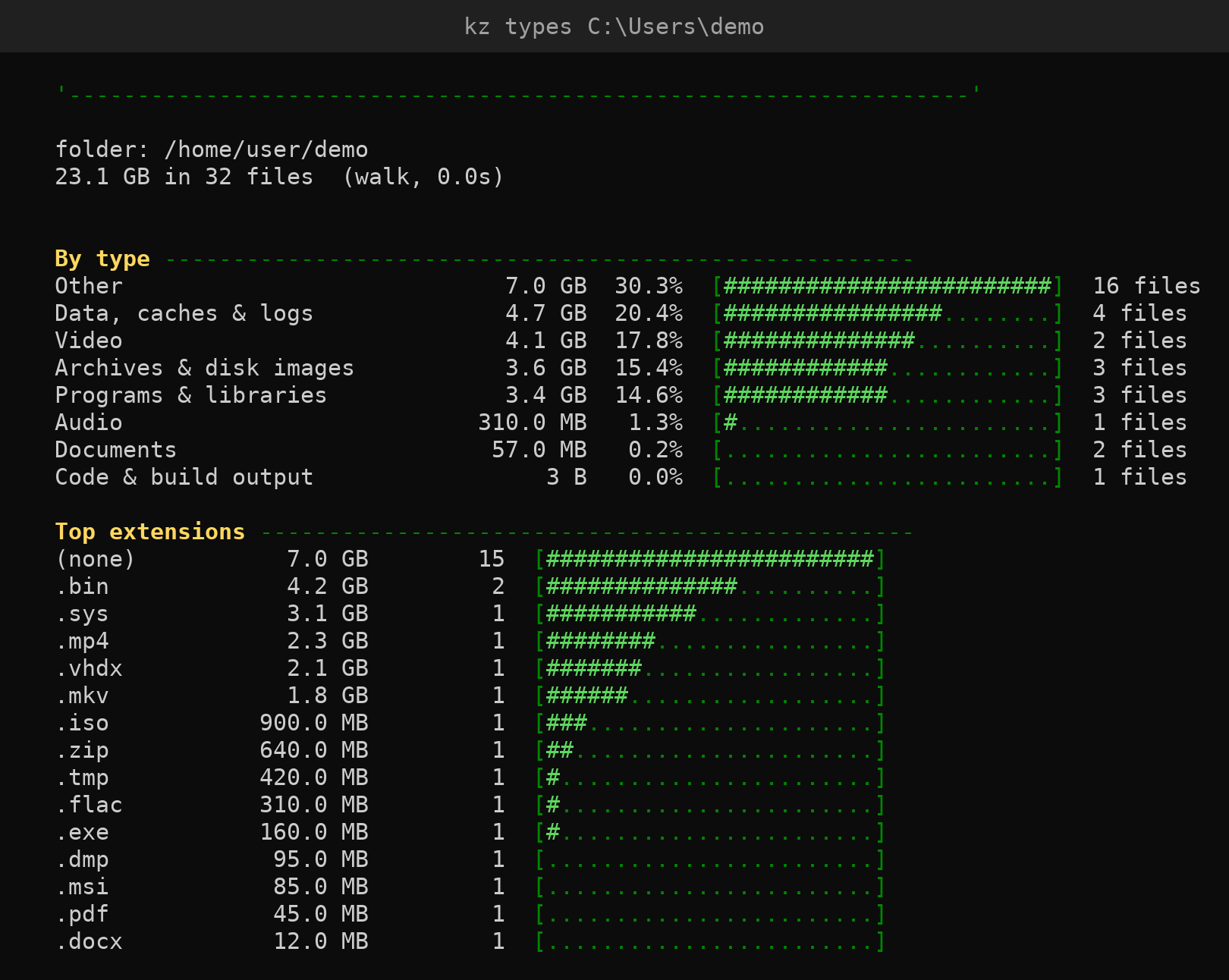
Disk explorer with treemap, largest files and file types. Reads the NTFS MFT directly for instant scans. Explains special files and shows which program holds a file open.
uninstall · remove for real
Classic, Microsoft Store and Scoop apps, then leftover folders and registry keys (backed up first). Finds leftovers of apps removed some other way.
upgrade · drivers
Update programs through winget and drivers through Windows Update, with a restore point first.
health · status
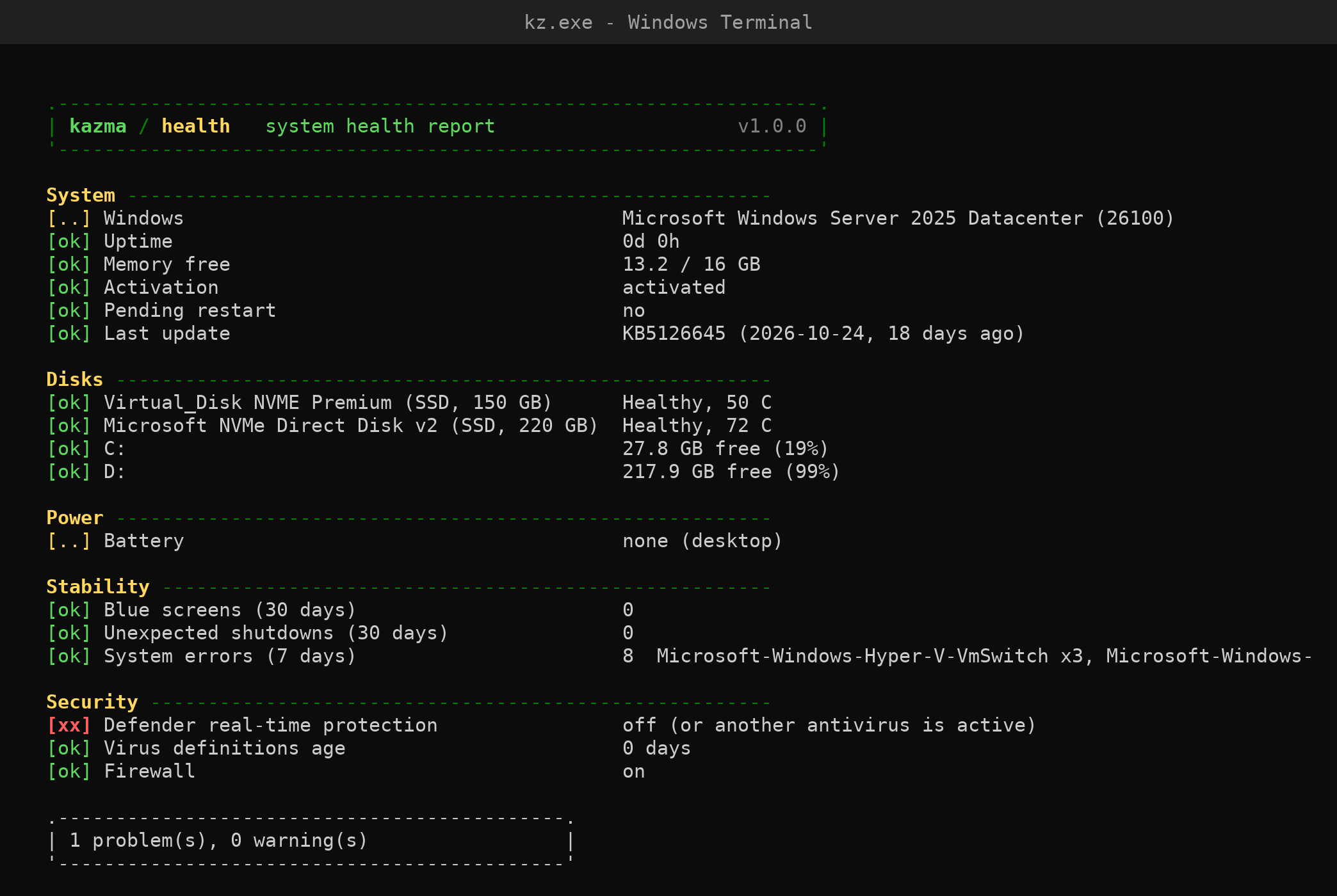
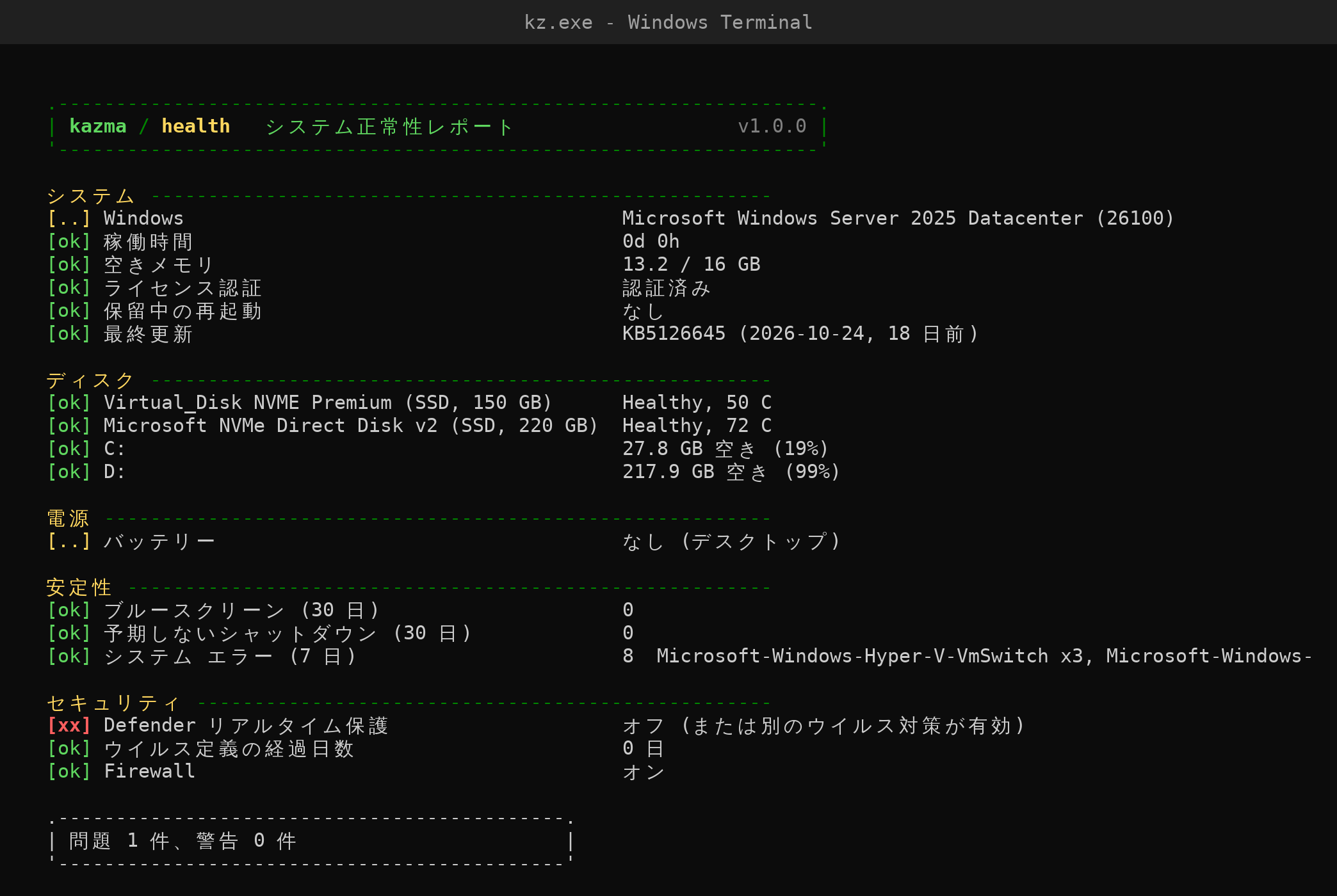
Health report for disks, battery, stability and security. Live CPU, GPU, memory and network monitor that explains why a process is running.
optimize · repair
Broken startup entries, DNS, icon cache, TRIM / DISM / SFC when due. One-key fixes for network, Windows Update, Store and printers.
purge · dupes · empty
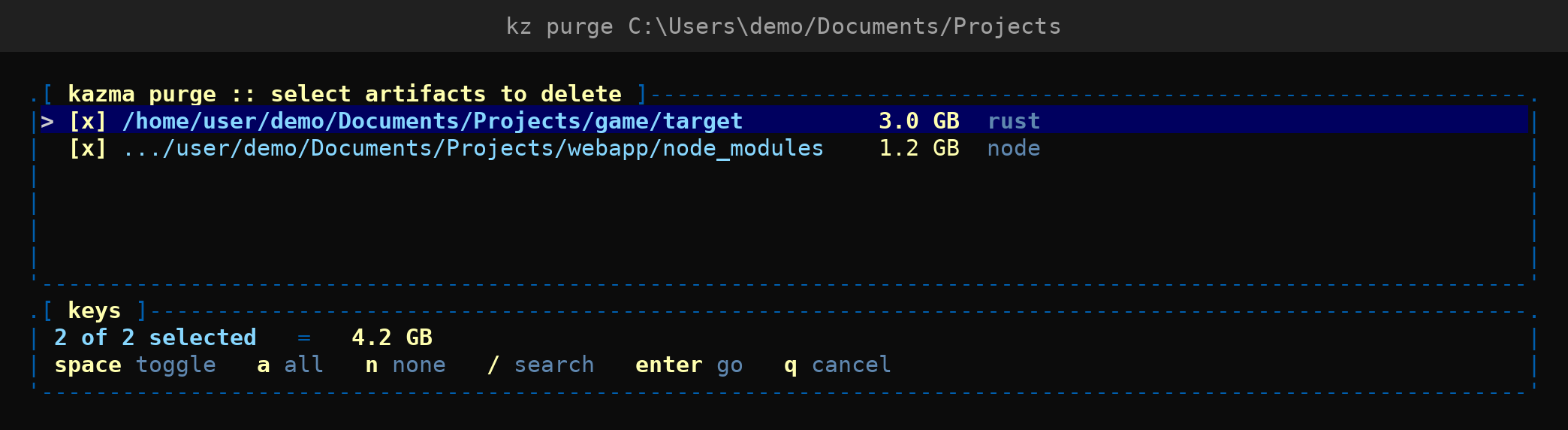
Build folders like node_modules and target, duplicate files, empty folders and broken shortcuts. Everything goes to the Recycle Bin.
startup · debloat · privacy
Control startup apps, remove promoted apps and ads, clear recent-file and run history.
backup · power · net · ports
Move-to-a-new-PC kit, power plans and battery report, network and speed test, which program uses which port. Plus lock, awake, cleanscreen.
02 screenshots
03 install
iwr -useb https://raw.githubusercontent.com/hhasanguclu/kazma/main/install.ps1 | iex
scoop bucket add kazma https://github.com/hhasanguclu/kazma
scoop install kazma
releases/latest → kz.exe / kz-arm64.exe
Then type kz. Every command that deletes something has --dry-run. The exe is not code-signed yet, so SmartScreen may ask: More info → Run anyway. Update with kz update, remove with kz remove.
04 safe by design
- Only known, regenerable cache and temp locations are cleaned
- Drive roots, your profile, Windows and Program Files are hard-blocked
- Files you pick go to the Recycle Bin
- Registry keys and startup entries are backed up before removal
- Drivers only from Windows Update, with a restore point first
- Self-update is verified against SHA-256 checksums
- Your whitelist is never touched; every action is logged
- No telemetry, no background service, no account
05 11 languages
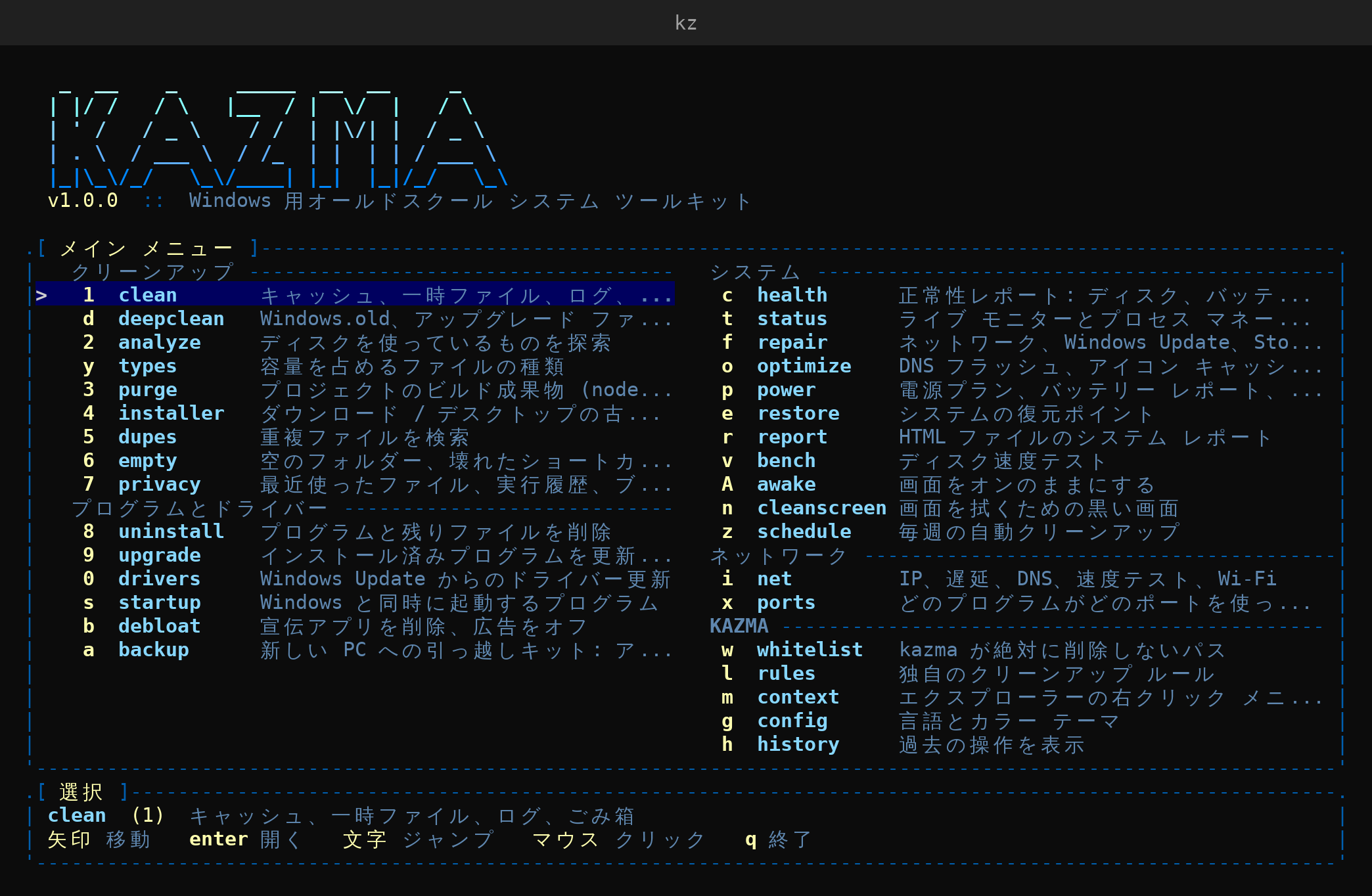
kazma starts in your Windows display language. The README is available in each: